NOVA
A voice-first personal AI operating system — where a permission layer, not the model, decides what may run.
- Status
- 0.1 verified on a device; 0.4 Tools shipped; 0.5 Desktop agent in progress.
- Period
- 2026
- Platforms
- Android · Windows
- Repository
- Private — available on request
- Live
- —
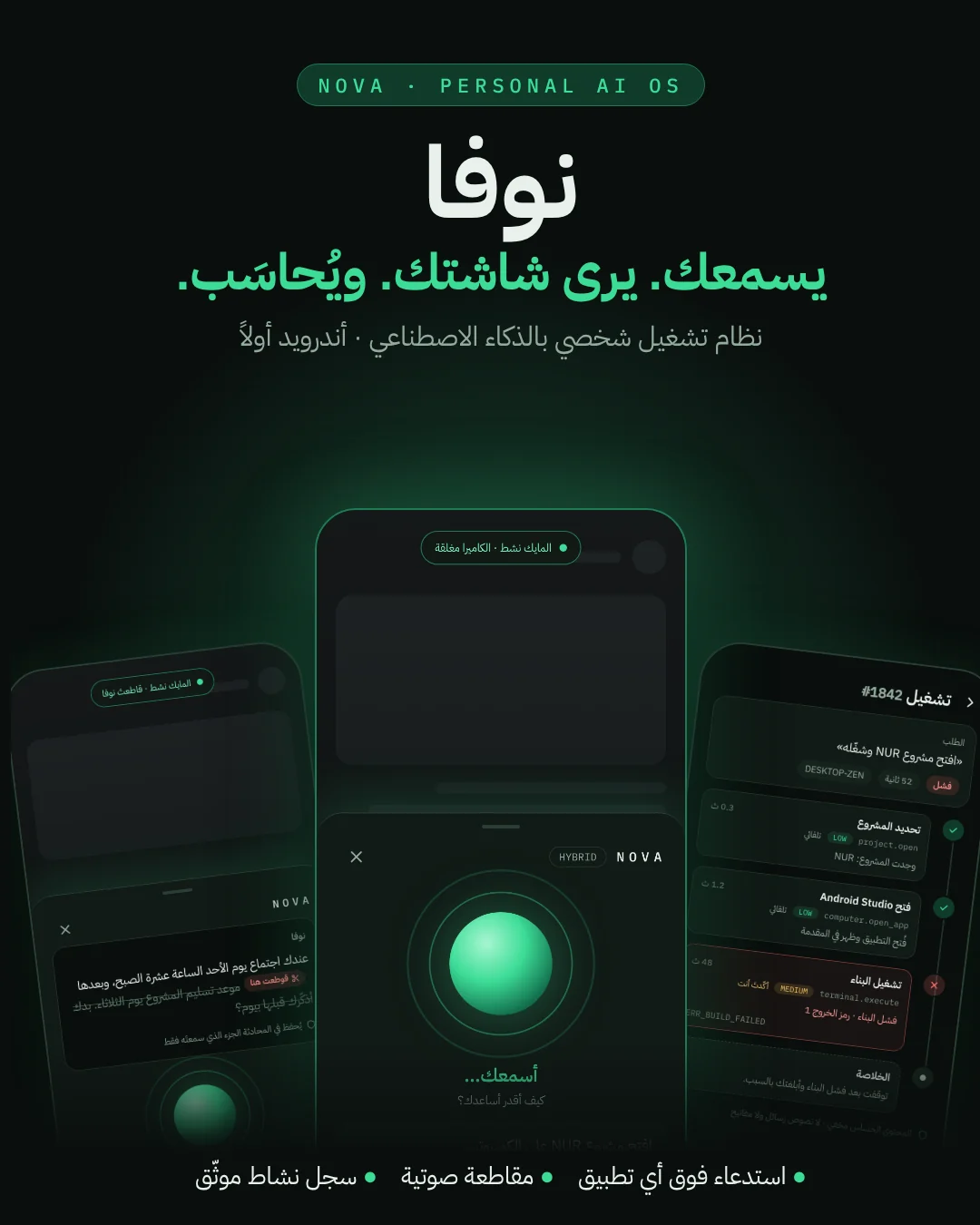
01Overview
An Android assistant designed to grow into a Windows desktop agent and a cloud backend. The language model is one component inside a deterministic system: NOVA Core owns context, memory and routing, every tool call passes one validated, permission-checked, logged gateway, and the phone can pair with its own PC agent over TLS.
By the numbers
- unit tests (0.1)
- 152
- unit tests (0.1)
- README
- architecture decisions
- 40+
- architecture decisions
- docs/DECISIONS.md
- Kotlin files
- 312
- Kotlin files
- source tree
- commits
- 77
- commits
- git history
02The problem
Assistants that can act on your devices are only as safe as the code around the model. Prompted 'guardrails' are suggestions; a model that can call tools must not be the one deciding which calls are allowed.
03The vision
One assistant across phone and PC that talks naturally in Levantine Arabic, remembers only what you allow, and leaves a tamper-evident record of everything it did.
04The solution
Every tool call passes a single choke point — lookup → exposure → validate → lock screen → authorize → confirm → execute → audit. Medium- and high-risk actions are confirmed on screen. The model only receives the tools that can actually run right now, so it never pretends to act.
05Key features
- 01
Streaming voice with barge-in
Answers are spoken sentence by sentence while they stream. Interrupt by voice (with echo cancellation) or by tap; NOVA stores only what you actually heard and tells the model where you cut in.
- 02
Memory you control
'Remember that…' saves a memory (secrets refused). NOVA may suggest a memory but never saves without your tap. Search, edit, export or clear.
- 03
Agent Trace
A tamper-evident activity log: each step is hash-chained with SHA-256 and redacted before storage. The verifier reports the first edited, missing or moved step.
- 04
Vision and screen awareness
Camera or gallery photo → quick actions (what is this, read text, explain error, summarize), and screen-aware answers when you summon NOVA over another app.
- 05
Desktop agent
Pair by QR with NOVA Agent on Windows over LAN (TLS 1.3, pinned key). The PC keeps its own permissions, a kill switch and an always-on-top indicator.
- 06
Model routing
Gemini in the cloud or any OpenAI-compatible server on your network (LM Studio, Ollama), with ONLINE / LOCAL / HYBRID modes and light models for plain questions.
06Screens
07System architecture
- L1Surfaces
- Home orb
- Chat
- Quick Summon
- Tasks
- Memory
- Settings
- L2Core
- ConversationEngine
- LlmRouter
- VoiceTurnController
- ToolGateway
- L3Safety
- Permission layer
- On-screen confirm
- Redactor
- Agent Trace (hash chain)
- L4Providers
- Gemini
- OpenAI-compatible
- Android STT / TTS
- CameraX
- L5Data
- Room
- DataStore
- Keystore-encrypted keys
- L6Desktop
- NOVA Agent (Windows)
- TLS 1.3 pinned
- Kill switch
08Engineering decisions
Keys are write-only
API keys are encrypted with the Android Keystore, never shown again, sent only in headers, never logged; cleartext is allowed only to private-network hosts, enforced in code.
Dialect accuracy measured, not promised
Rather than switching the recognizer to a regional tag that might break what works, an evaluation harness (WER/CER over recorded sentences) decides.
Honesty over appearance
An ADR documents every place where 0.1 deviated from the designs instead of faking a feature that was not ready.
09Technical challenges
Interrupting a speaking assistant
The platform recognizer is endpointed, not streaming. Barge-in runs a separate voice-activity detector with echo cancellation; playback is cancelled first, then the model call, and the stored message keeps only the heard text — cut at the word being spoken.
10Lessons learned
The safest agent is a deterministic system with a model inside, not a model with tools attached.
My contribution
Architecture, 40+ architecture decision records, Android app and desktop agent — 312 Kotlin files, 77 commits.
Technology
- Kotlin
- Jetpack Compose
- Navigation 3
- Room
- DataStore
- Android Keystore
- Gemini
- OpenAI-compatible
- Ktor
- CameraX
- WorkManager
- Coroutines
- Flow
- Robolectric
- TLS 1.3
- AI Agents
How this was verified
Source, README and ADRs reviewed. Images are design previews kept in the project's docs/design folder, not captures of a running build.
Related projects
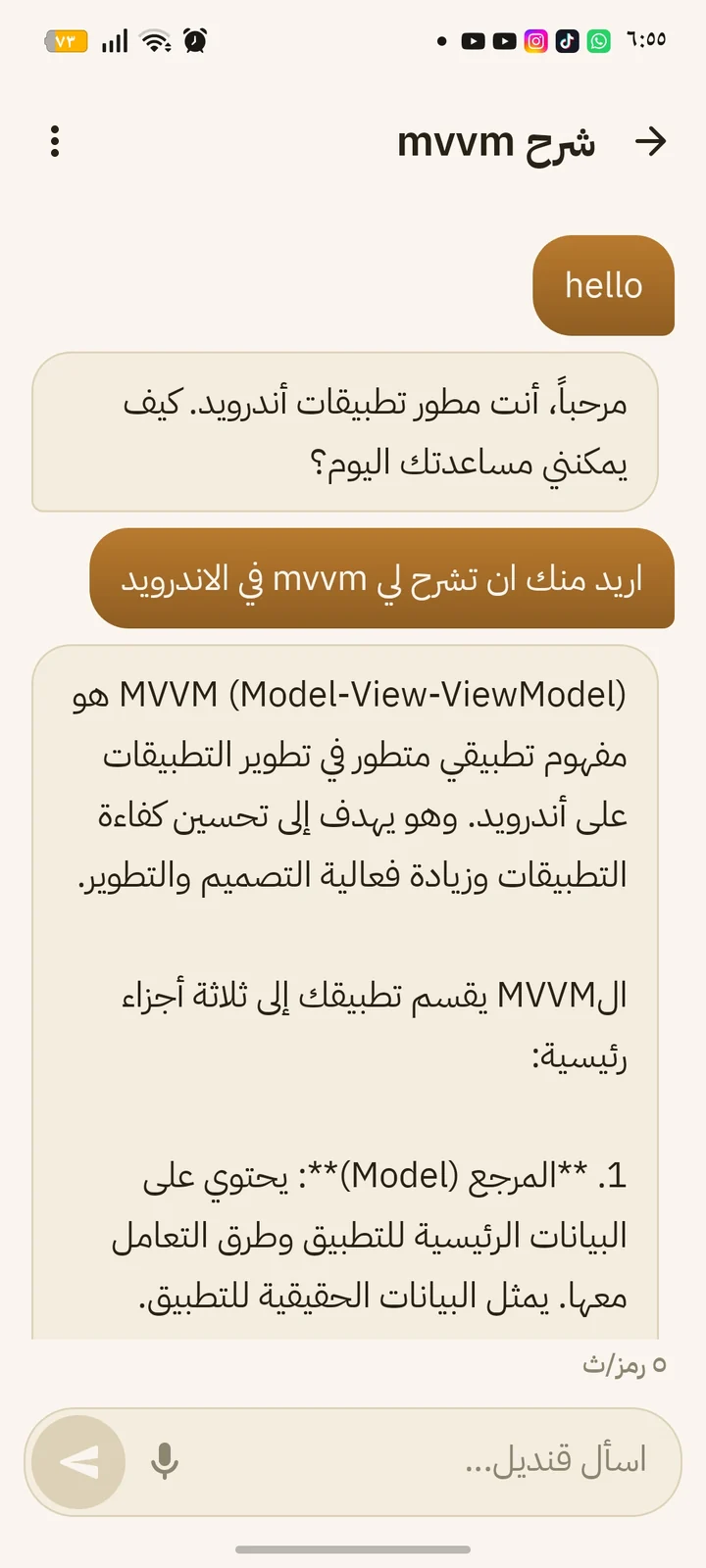
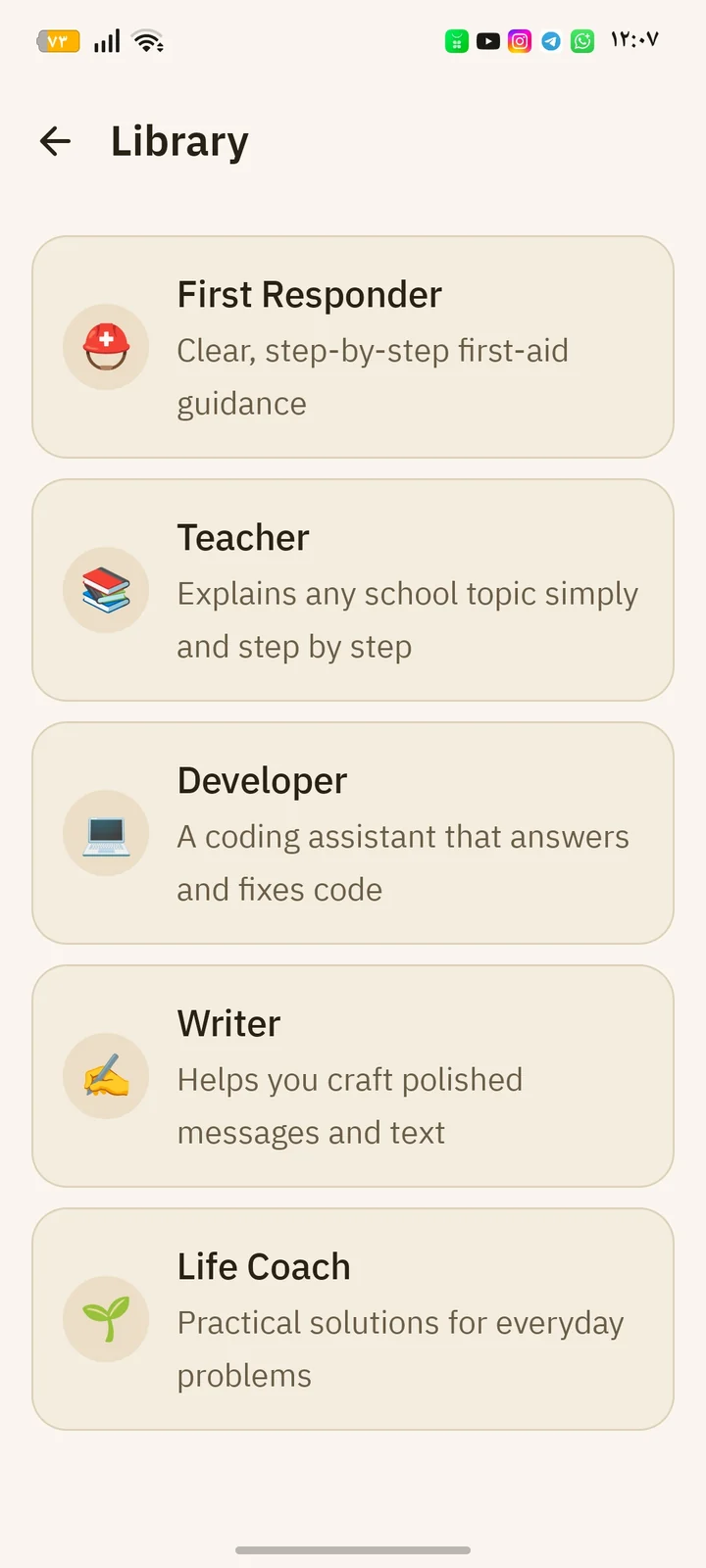
Qandeel
قنديلAn AI assistant that runs entirely on the phone — no servers, no internet.
LiveAndroidAI- Sصدى
Sada
- AudioRecorder 16 kHz PCM
- WhisperEngine (stub)
- LlmEngine (Gemma)
- SadaTts
- SonicOrb (4 states)
- conversation
- history
- settings
Sada
صدىAn Arabic voice assistant designed to run fully offline — speech in, speech out.
PrototypeAndroidAI 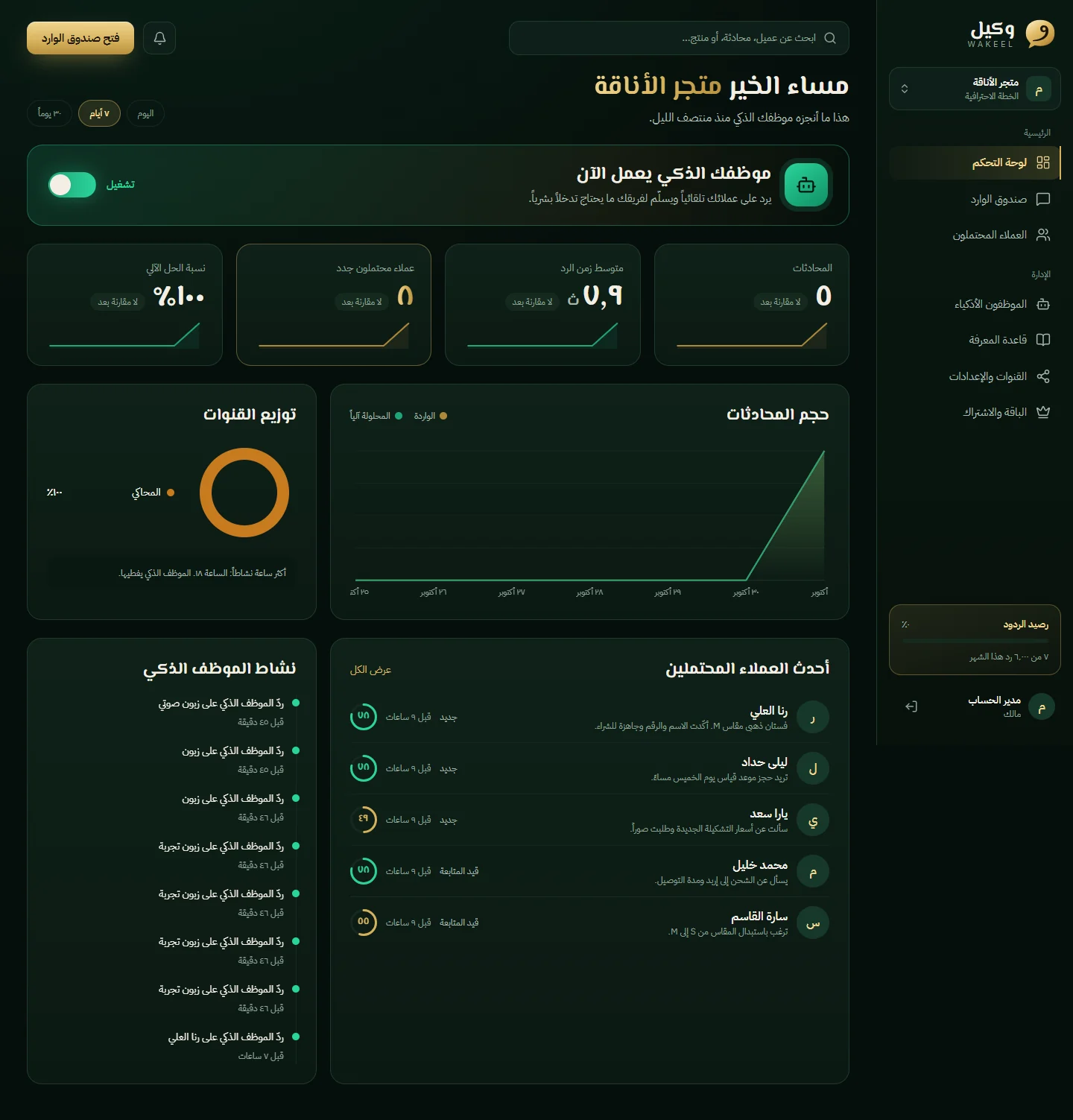
Wakeel
وكيلAn AI employee that answers a business's customers on WhatsApp, Instagram and Messenger — in their own Arabic dialect.
BetaSaaSAIWeb
Next project
Vellora